ZIP Scanner
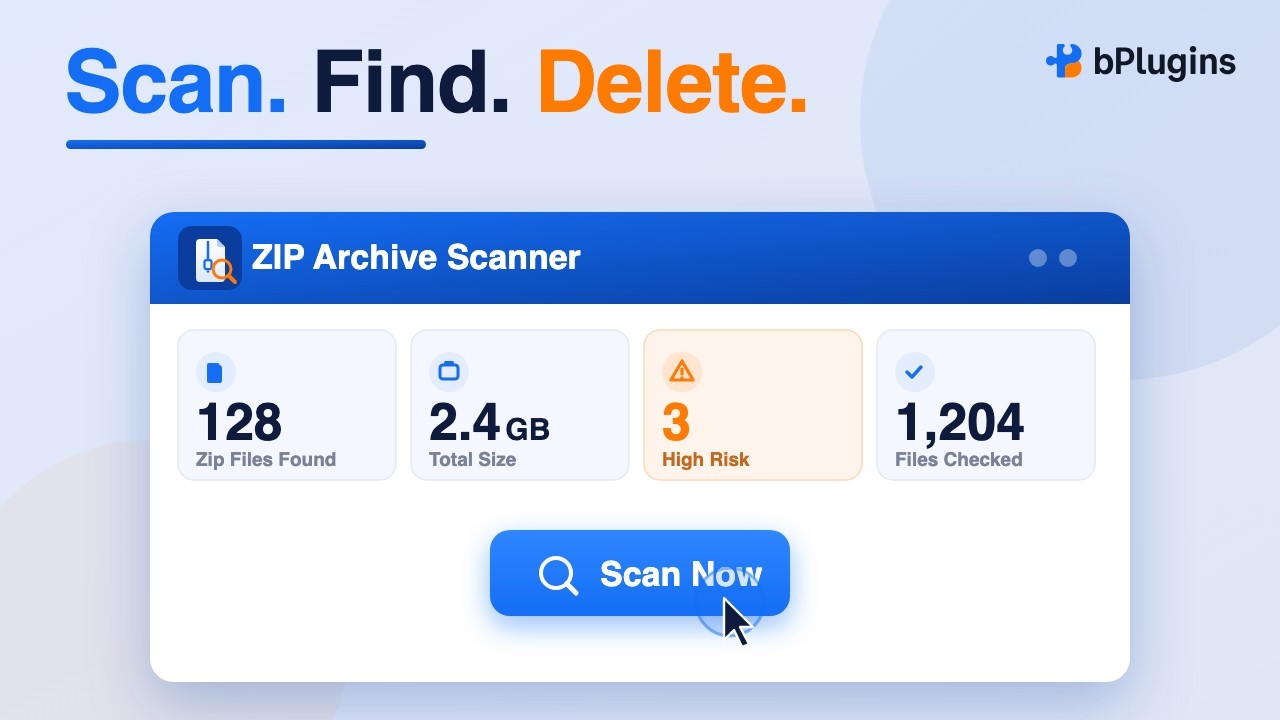
Walks your whole WordPress file system and lists every archive with its location, size, date, and a risk badge.
- Follows symlinked folders safely
- Copy URL, download, or delete
- Bulk delete + CSV / Markdown export
Sweep scans your entire WordPress install for leftover archives, flags the ones that put you at risk, and cleans up database bloat and unused media — all in a few clicks.
Free on WordPress.org•No setup•Works on shared hosting
Finished just now · 22,546 folders · 174,179 files
| File | Location | Size | Risk | Actions |
|---|---|---|---|---|
| backup-2025-11.zip | / (web root) | 412 MB | HIGH | |
| db-migration.zip | wp-content/uploads/2024/03 | 38 MB | HIGH | |
| theme-v2-bundle.zip | wp-content/themes | 8 MB | MEDIUM | |
| brochure-assets.zip | wp-content/uploads/2026/07 | 3 MB | LOW |
Backup plugins, staging tools, and manual exports drop full-site archives into your file system — and they rarely clean up after themselves.
A site backup sitting in a public folder contains your wp-config.php: database name, username, and password. Anyone who guesses the file name can download it.
backup.zip, site.zip and wp.zip$ curl -I https://example.com/backup.zip
HTTP/2 200 # it's public
content-length: 432013312
$ unzip -p backup.zip wp-config.php | grep DB_
define( 'DB_NAME', 'shop_live' );
define( 'DB_USER', 'shop_admin' );
define( 'DB_PASSWORD', '••••••••••••' );
# With Sweep: found, flagged HIGH, deleted in one click.
Switch between scanners from one menu. Every tool shows you exactly what it found before anything is removed.
Walks your whole WordPress file system and lists every archive with its location, size, date, and a risk badge.
Trims the rows WordPress accumulates over years — without touching your published content.
Reclaims disk space and inodes from media files your site no longer needs.
Activate the plugin and find Sweep in your admin menu. There's nothing to configure.
One click starts a full, batched scan. A live progress counter shows folders and files as they're checked.
Sort and search the report, download anything you want to keep, then delete the rest — one file or many.
Every archive gets a risk level based on where it lives and what its name suggests, so the dangerous ones rise to the top.
Sitting directly in your web root, or named like a full-site or database backup — backup, dump, db, migration, staging.
Archives inside plugin, theme, or other system folders. Often leftover installers you no longer need.
Files in your media uploads that are usually shared on purpose — downloads, asset packs, and freebies.
Sweep reports before it removes, and every destructive action goes through WordPress core APIs.
Every action requires an administrator account. Logged-out requests are rejected.
Delete and download only accept archive files inside your install — no path tricks, no other file types.
Scans run in small time-boxed batches, so they finish even on huge sites and slow shared hosting.
Scanning never extracts, opens, or modifies archives. Nothing changes until you choose to delete.
Storage cleanups save a report of every removed file with its URL, exportable as CSV.
Download any archive through an authenticated link before deleting it — handy for backups you may still need.
Plugin overview

Step-by-step guide
Every scanner and cleanup tool is free. Pro adds saved scan history for teams and agencies that audit sites regularly.
Everything you need to find and remove the clutter.
For 1 site, billed yearly. Renews automatically; cancel anytime.
No. Sweep locates archive files on disk so you can review and remove them. It never extracts, opens, or modifies archives.
No. The ZIP scan runs in small time-boxed batches over the REST API, so it stays within normal PHP limits even on very large installs and slow shared hosting.
No — Sweep walks your entire WordPress install, including the web root, plugins, themes, and symlinked folders that managed hosts often use.
Developers can extend the scanned extensions with the bzas_scanned_extensions filter — for example to add tar.gz, rar, or 7z.
Orphaned media is kept in its own "review first" category and is never part of the safe one-click cleanup. Media used only from custom code or page-builder data can't always be detected, so review the list and keep a backup before removing files.
It's now Sweep. Same plugin, same slug, settings, and licenses — with database and storage optimization added in version 1.3.
Your first scan takes about as long as reading this sentence. Install Sweep free and see what's been left behind.